Broadband & Consumer Tech Content

Why Your Internet Slows Down at Night and How to Fix It

Slower internet speeds at night are often the due to network congestion. Just like rush hour traffic, when everyone uses the internet at the same time, the network’s limited bandwidth struggles to keep up. 
There are two types of network congestion: local network congestion, which comes from your home network, and wide area network (WAN) congestion on your internet service provider’s (ISP’s) network. While ISP-level WAN network congestion isn’t as much of a problem as it used to be, it’s largely...

How To Set Up Verizon 5G Home Internet

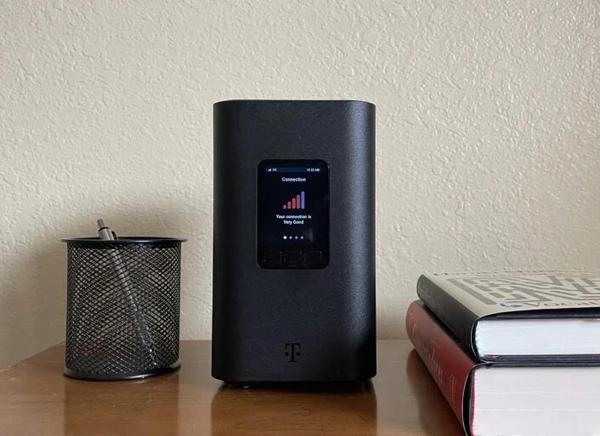
Step 1: Find a good spot to set up your Verizon 5G Gateway.
Because the Verizon 5G gateway receives data via wireless broadcast from cell towers, the best place to set up your router is usually near a window on the top floor of your home. You want the gateway to access the best possible 5G signal.
Step 2: Connect the gateway to power and wait while it boots up, updates, and connects.
The gateway LED indicator light flashes white to indicate the device is booting. This usually takes a few minutes...

Is 1.2TB of Internet Data Enough?

Monthly data caps on home internet service are rare these days, but most of the providers that still enforce them put the cap at 1.2TB. If you go over your data cap, you may have to pay extra fees or even have your service cut off. Fortunately, most customers don’t need to worry about them (with a few exceptions that we’ll cover here).
According to a recent industry report, the average household uses about 720.5GB of data per month, jut more than half of 1.2TB. However median usage was even lowe...

How Can I Tell If My Provider Is Throttling My Internet?

Your internet may be throttled if everything slows down all at once or if you notice slower-than-expected speeds on data-intensive actives like gaming, streaming, or video chats. However, slowdowns can also be caused by general network congestion, outdated equipment, or even slow websites.
Home internet connections aren’t throttled that often, though. First, try some basic troubleshooting and try running a speed test on a few different devices, at different times of day. If you still suspect tha...

T-Mobile Just Achieved the World’s Fastest 5G Upload Speeds

Monday, T-Mobile announced it produced the world’s fastest upload speeds over a stand-alone 5G network. During a test at SoFi Stadium in Inglewood, California, T-Mobile reached an uplink throughput of 2.2Gbps, absolutely shattering the 565Mbps record-setting speed declared by Ericsson in July 2023. T-Mobile’s new uplink capability could have a huge impact on 5G performance, but likely only in certain locations, such as large venues.

How To Test Your VPN

Masking your IP address and encrypting your web traffic with a VPN is one of the best ways to increase your online privacy and security. VPNs are designed to work unobtrusively in the background, creating a safer online experience without changing much on the surface. Unfortunately, a VPN’s stealthy profile can also make it hard to tell if it’s working. Here are three simple and easy tests to make sure your VPN is functioning properly.
Load More